Run your first enrichment
Enrichment adds a new column that runs automatically on every row — finding emails, company data, tech stacks, and more.
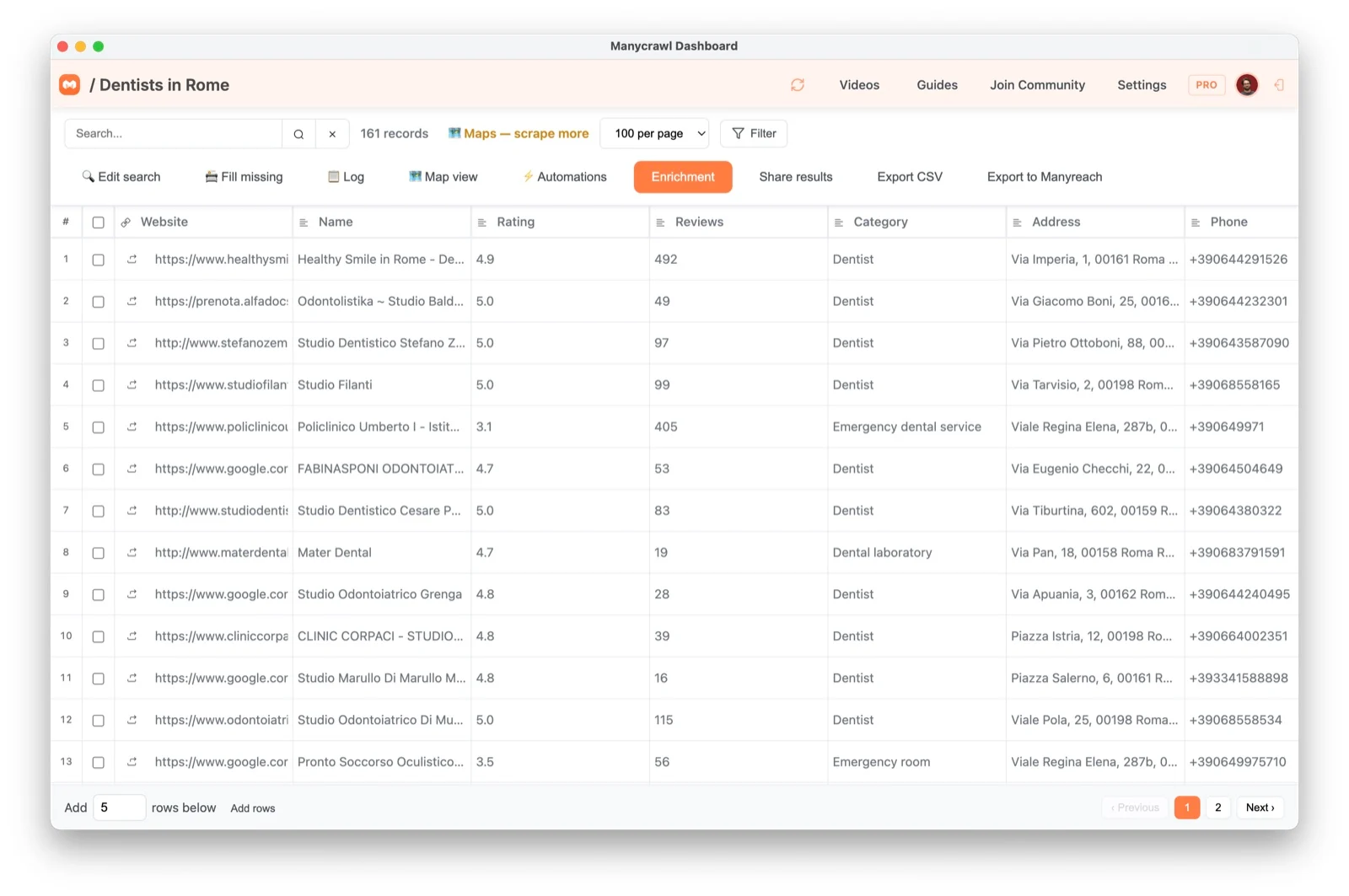
1. Open a table and click Enrichment
Open any table with rows in it, then click Enrichment in the toolbar.
2. Pick an enrichment type
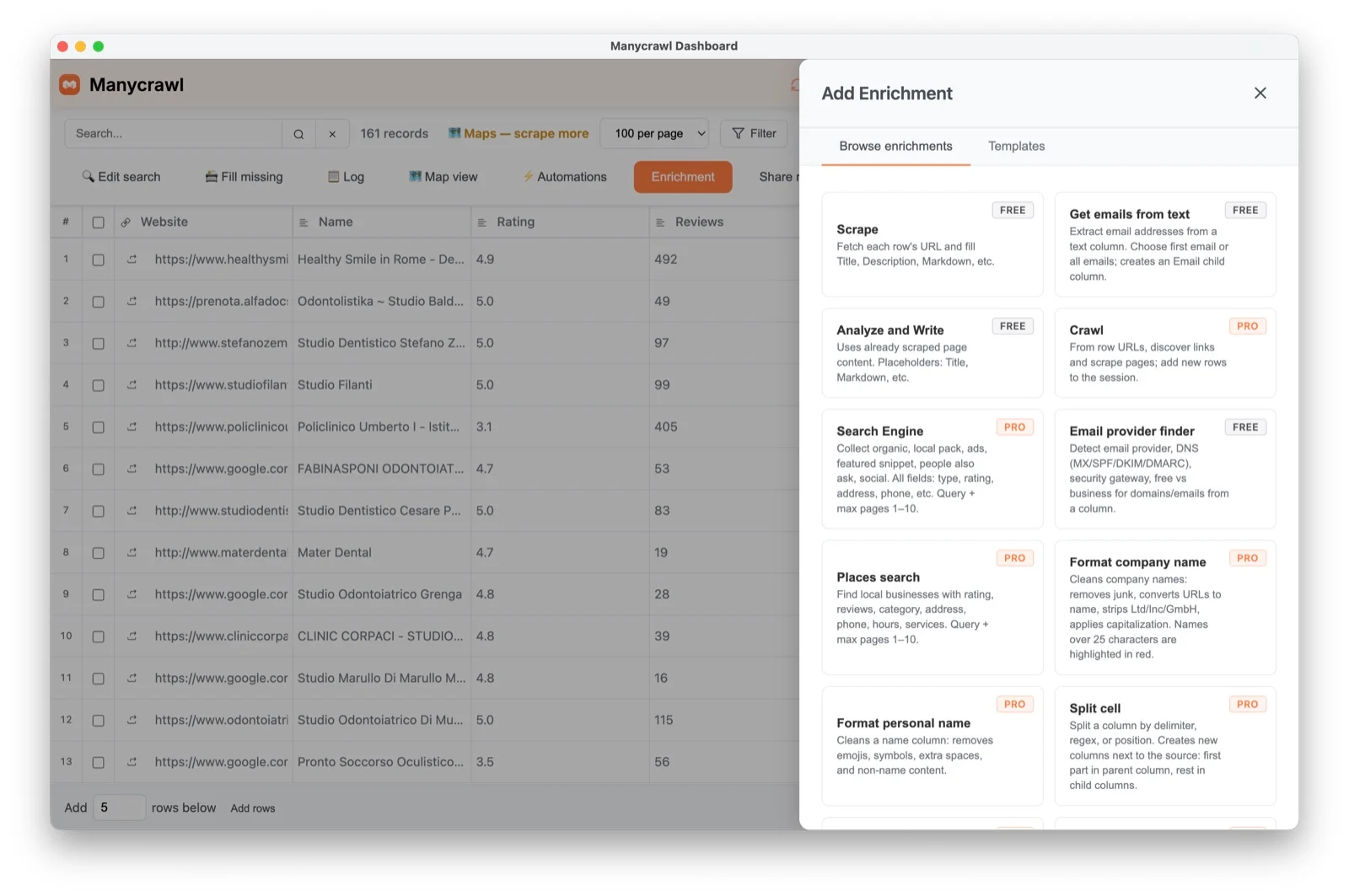
Choose what you want to add — for example an email finder, tech detection, founder lookup, LinkedIn data, or a custom AI extraction. Each type needs an input column (for example, a website or company name) to work from.
3. Let it run
Manycrawl processes rows in the background and fills the new column as results come in. Cells show a live “Processing…” state while they work.
4. If some cells stay empty
Empty cells are often expected. See Why is my enrichment returning blank results? for the causes. Fill missing is a Google Maps table feature that re-visits places for missing details; it does not re-run enrichment columns.